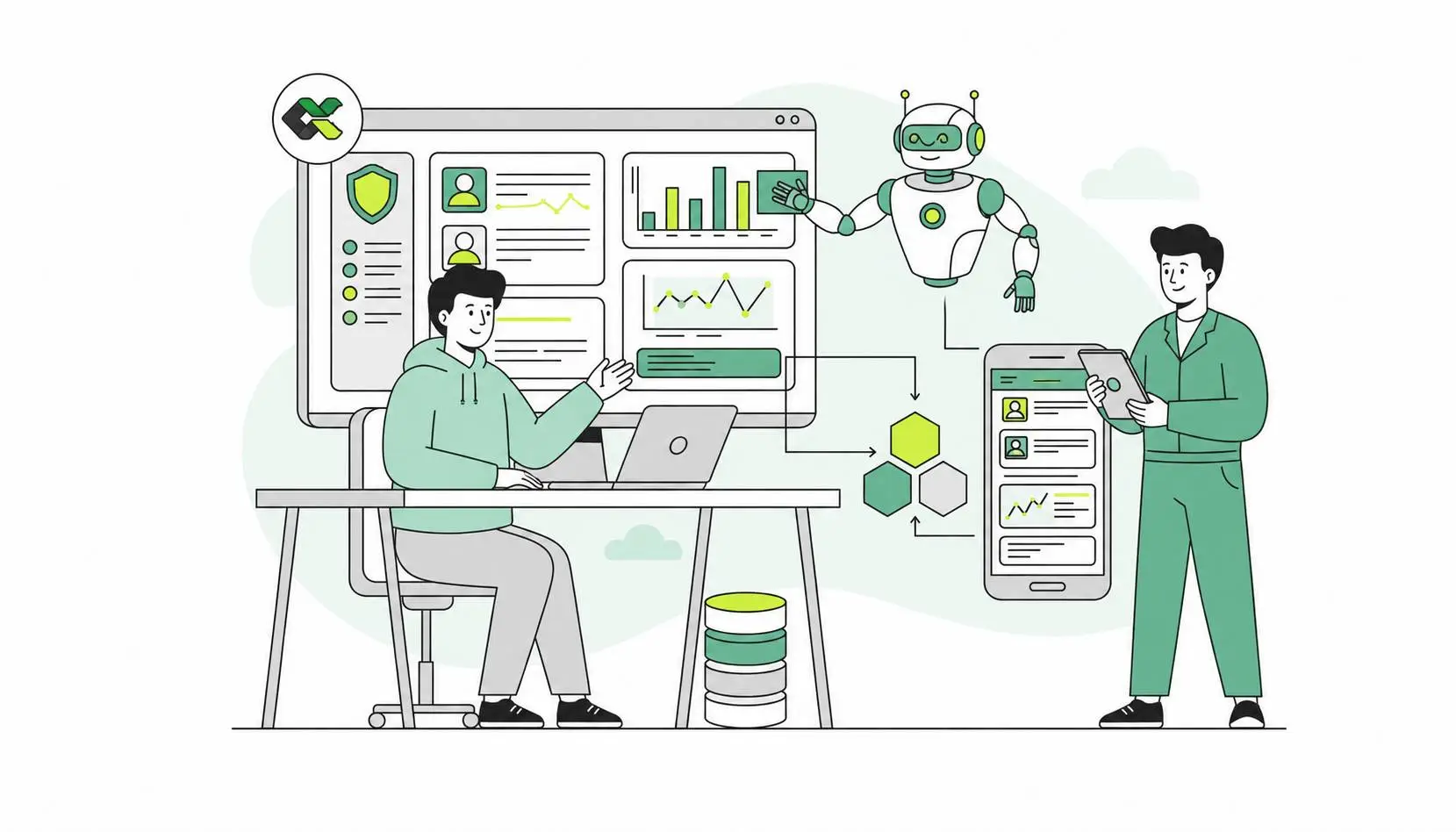


Most growing businesses end up running on a patchwork of tools. A website over here, a payment system there, a CRM, an email platform, an accounting package, perhaps an inventory or booking system. Each one does its job well — but on its own. And so someone, usually you or a member of your team, spends part of every week acting as the human glue between them: copying an order into a spreadsheet, re-entering a customer's details into the CRM, updating stock numbers by hand.
That manual glue is exactly what API integration removes. It's one of the least visible parts of a modern website and one of the most quietly transformative. So let's look at what it really means, when your business needs it, and when it can safely wait.
What is API integration, in plain terms?
API stands for Application Programming Interface, but the jargon hides a simple idea: an API is a way for two pieces of software to talk to each other and exchange information automatically.
Think of a waiter in a restaurant. You don't walk into the kitchen and cook — you give your order to the waiter, who carries it to the kitchen and brings back your meal. An API is that waiter. It takes a request from your website, passes it to another system, and brings back the response. When your site shows a live shipping cost, accepts a card payment, displays a Google Map, or drops a new enquiry straight into your CRM, an API is doing the carrying.
API integration, then, is simply the work of connecting your website to those other systems so they share data without anyone copying it by hand.
The signs your business needs API integration
The clearest signal is friction you've started to accept as normal. A few common ones:
- You re-enter the same data in two places. Orders typed into accounting, leads copied into a CRM, stock updated manually — each is a candidate for automation.
- You need to take payments online. Card payments mean integrating a payment gateway such as Stripe, PayPal, or Mollie.
- You need real-time information on your site. Live shipping rates, current stock levels, available appointment slots, prices that change — these have to be pulled from another system as they update.
- Leads disappear into inboxes. If enquiries from your contact form aren't flowing automatically into your CRM or email tool, you're losing follow-up speed and, probably, some leads.
- You want to display data from elsewhere. Maps, customer reviews, social feeds, booking calendars — all arrive via APIs.
- Manual processes are breaking under growth. What worked at ten orders a day collapses at a hundred. Integration is often what turns a fragile manual routine into something that scales.
- You want a connected customer experience. Account logins, order history, saved preferences, subscriptions — all depend on systems sharing data behind the scenes.
If one or two of these sound familiar, it's a hint. If several do, integration has probably already become one of the things holding your business back.
The integrations businesses actually use
In practice, most business websites draw on a handful of well-trodden integration types:
- Payment gateways — Stripe, PayPal, Mollie and similar, to take money securely.
- CRM systems — HubSpot, Salesforce, Pipedrive, so leads and customers live in one place.
- Email marketing — Mailchimp, Brevo and others, so new contacts are added and nurtured automatically.
- Booking and scheduling — letting customers see real availability and book without endless back-and-forth.
- Shipping and logistics — live carrier rates, label generation, tracking.
- Accounting and invoicing — orders flowing straight into your books.
- Maps and location services — Google Maps and the like.
- Inventory and ERP — keeping stock accurate across every channel.
- AI services — increasingly, businesses connect their sites to AI APIs to power chat assistants, smarter search, or content tools.
The mix depends entirely on how your business works. The goal isn't to integrate everything — it's to connect the systems whose disconnection is costing you.
Why it's worth it
When integrations are done well, the benefits are concrete rather than abstract:
- Time saved. The hours spent shuffling data between systems simply disappear, freeing people for work that matters.
- Fewer errors. Every manual re-entry is a chance to mistype a price, an email, or an order. Automation removes that risk.
- Accuracy in real time. Customers see correct stock, true prices, and real availability — not yesterday's numbers.
- A better customer experience. Instant confirmations, seamless payments, connected accounts: the small frictions that quietly erode trust disappear.
- Room to scale. Automated systems absorb growth that would crush a manual process.
- Better decisions. When your data lives in connected systems rather than scattered spreadsheets, you can finally see the whole picture.
In short, API integration is what turns a website from a digital brochure into an operational part of your business.
The honest caveats
Integration is powerful, but it isn't free of consequences, and a good partner will tell you so up front.
Not every site needs it. A simple, brochure-style website with a contact form may run perfectly well without a single complex integration. Adding them for their own sake only buys complexity.
Every integration is a moving part. Third-party services update, change their rules, impose rate limits, occasionally go down, and sometimes charge for usage. An integration built and then forgotten will eventually break when the service on the other end changes. This is why ongoing maintenance matters as much as the initial build.
Security and data protection are not optional. APIs often carry sensitive information — payment details, personal data, customer records. They have to be properly secured, with protected keys, encryption, and sound authentication. And when personal data flows between systems, GDPR compliance must be built in from the start, not bolted on afterwards.
Build versus ready-made. Sometimes an off-the-shelf plugin or connector does the job cheaply and well. Sometimes your needs are specific enough to warrant a custom integration. Knowing which is which — and resisting the urge to over-engineer — is part of doing it properly.
How to approach it
The sensible path is to start from the problem, not the technology. Identify where the friction and the manual work actually live, decide which connections would remove the most pain, and prioritise those. Build them securely, test them thoroughly, and put a plan in place to keep them working as the services they depend on evolve. Integration is rarely a one-off project; it's a capability you maintain.
The bottom line
API integration is one of those behind-the-scenes investments that customers never see but always feel — in the speed of a confirmation, the accuracy of a stock count, the smoothness of a checkout. Done right, it quietly removes the manual work, the errors, and the limits that hold a growing business back.
At ClixoWeb, this is core to what we do: connecting business websites to the payment systems, CRMs, booking tools, and services they rely on — securely, in line with GDPR, and built to keep running as those services change. Whether you need a single payment integration or a fully connected operational website, we can help you work out what's worth integrating and build it properly.
Related service
API & Third-Party Integrations
ClixoWeb can turn this topic into a practical plan for your website.
Request helpRelated posts
Why Your Blog Is Your Most Powerful SEO Asset (And How to Use It)
Many business owners see a blog as a "nice to have" — something to update occasionally when there's a spare afternoon, sitting quietly in a corner of the w
ReadWhy Every Tourism Business Needs a Custom Website (Not Just a Booking Widget)
** A booking widget processes transactions; a custom tourism business website builds your brand, wins direct bookings, and cuts commission. Here's why it matters.
ReadWhy a Custom Laravel Website Outperforms Generic Templates for Growing Businesses
** Discover why custom Laravel website development from ClixoWeb outperforms generic templates. Get scalable, secure, high-performance websites built for growing businesses.
Read